
The ONLY Sherlock I love watching on telly ♪(´ε` ) when I don't read about it.
Image from Imaginary Swims, text overlays using Phoster App on iOS.
 |
| Install this HERE |


SCENE mode - PET
 |
| Taken in low-light indoor. |
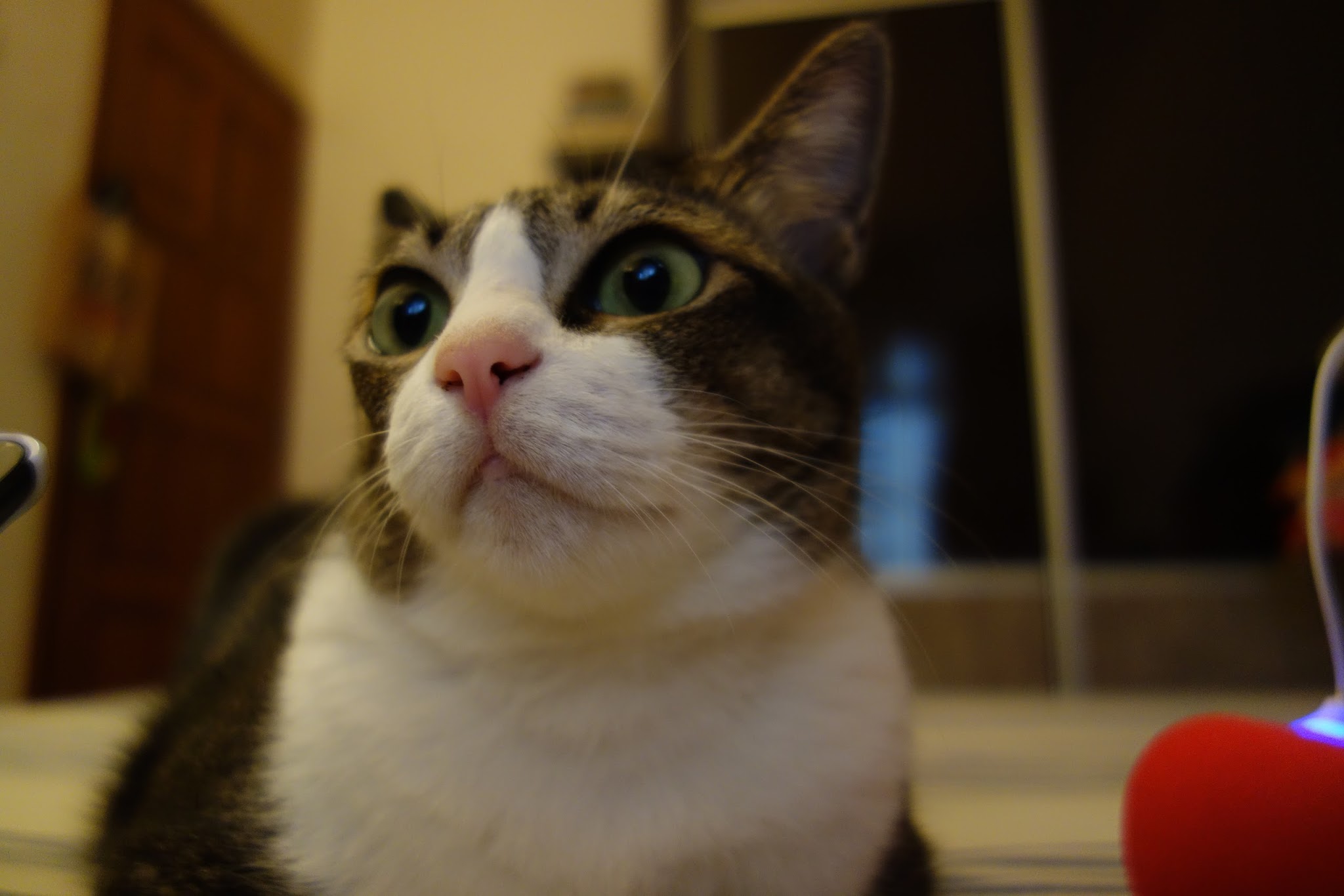 |
| With only 8watts soft yellow bulb at room's semi-shaded corner. |
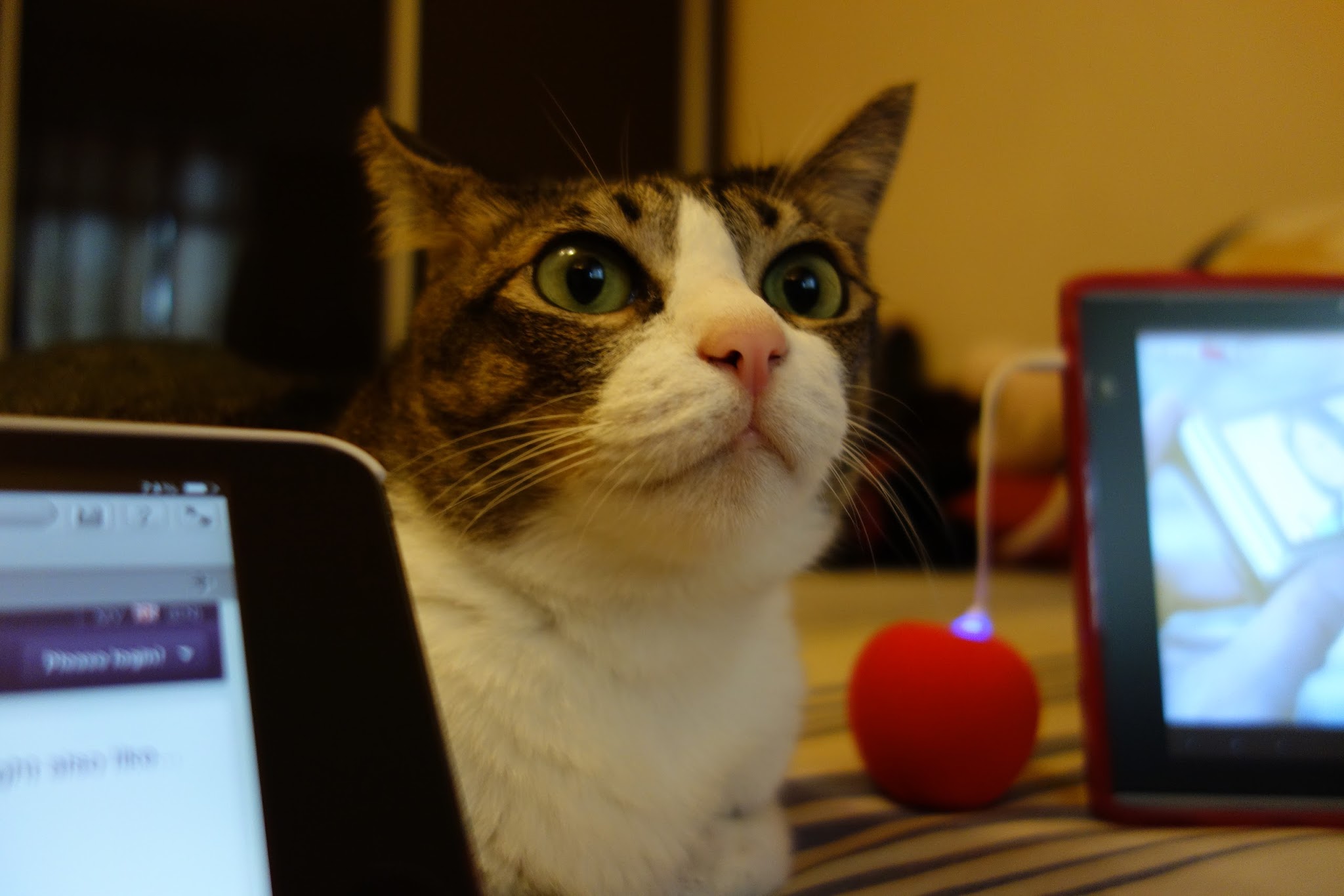 |
| Took these 3 shots under 1 minute of Tatiana moving around that area on bed. |
SCENE mode - PET - MOVIE
 |
| Took a still shot while taking the video above. |
My new camera is finally here; after a long, hassle-filled online purchasing and the incompetency of my local courier service! And 'bout time!
The low-light condition shooting is incredible! 1 inch sensor is a whole planet of difference, I say! I am most pleased and impressed by the stills/movies quality and multitude of control settings packed into this camera. A camera which, even for my female hands, finds it ridiculously small! I cannot believe such capabilities can come in such a small package. My fluffy brain is still registering that fact. It has been almost 16 years since my last good camera, a film based Rollei so pardon my shocking Hokkien, Jin ei si sibei su-ei (small), jiah ho ka'k (switching back to English) EASY lo! Still, it is too small for a camera. I have problem holding it with one hand and fumbling where to stabilise the camera with my (left hand) finger. Ya, finger. Even that has no comfortable space for me to do it.
BACK-STORY : The need for upgrade
Paying premium pricing for my HTC One X then was for the camera. But after having to sent the phone back for service the third times in a year, time to find another gadget for taking decent photos. I wasn't too comfortable with the newer Android phones pricing for that little upgrade I will be getting.
 |
| Cat Ocha falling asleep with Baarina, the stuffed sheep toy. |
My HTC One X is still in the service center. I've been taking casual photos on my iPad Mini.
For low-light shooting, I usually use my tiny bicycle light (Knog) instead of built-in flash. It is more discreet and definitely, more control for most usage. To capture moment like above without waking my cat up, using that light produces more comfort for the subject and an easier shot to edit on the go.
Above short video clip is a test from using two different tilt-shift video apps on my iPad Mini. After shooting with the apps on board, I used Cute Cut Pro (video editing app on iPad Mini) for the final touch - stitch, transition and add texts.
My first order for iPad Mini's case/cover is here! Got it from Tmart ♥ Delivery time is under 2 weeks. Decent! I've ordered one neon green crystal backcase and a pastel blue matte bumper case. Love this green loads! Looks really good on a black unit.


Testing an app which I've bought today for my new, and first iOS device, iPad Mini - Blogsy.
There are a few gripes I'm having for the passed few days since I've gotten this iPad Mini. From fishy credit card security on no easy to get refund from faulty app, to pretty much all the forced limitations I am starting to discovered first hands. Appaling, really. I just had an enormous "RIP-OFF" slapped onto my forehead since day one.
As this is the first App purchased on this device, I'm finding the payment security questionable. I've been checking my card transaction closely. Not quite tally at the moment. It has been 7 days since iTunes charged me for a pre-authentication fee when I first set up the account on this device. No refund. Very much unlike Google Play Store - all transactions have been (fast) responsive and tally.
A quick Google search on "iTunes charged me one dollar without refund", the public feedbacks found weren't good at all. In the meantime, I will continue to monitor the account closely while searching for a safer alternative to use this KNN-of-an-iTunes. Also noted that pre-authentication charges were RIPPED on 7 March and 9 March. BEFORE I purchased my first app on 14 March.
I've discovered (after 8 days and nights of intensive searching and testing apps for intended purposes) I needed 2-4 apps on iOS to do what ONE Android app can do. Even that comes with limitations and/or a roundabout workflow.
I've spent weeks researching the known limitations on iOS before taking another week to finally forced myself to purchase one in the local store. It wasn't an easy decision at all. When everything I've researched on, flashes a gigantic, neon sign above my head - blinking RIP OFF!
Now, you're wondering why in the world would I even spend a single cent on this, let alone a chunk of big dough for an inferior hardwares and sandboxed Eco compared to all my current devices (with best $ tally needs and hardwares given). Mind you, I was preparing to add a 7-8 inches into my portable world BEFORE my MacBook died on me. I was preparing to bring in a Nexus 7 32GB WiFi!
 |
| Casing and Screen Protector for Nexus 7 have arrived. Ordered about a month ago from dealextreme.com |
Alas, my MacBook went beep-beep-beep and blank screen. Yes. Most likely the RAM has cheeboomboom. It is about time. 6 years old but still a-okay on other working parts. In fact, since Android 3.0, I've not touched my MacBook unless I'm using its iMovie.
Unfortunately, no signs of developer with credibility in video editing app on Android for the passed 4 years. No concrete news of any upcoming either. I've already decided to drop MacBook for just its iMovie usage while I travel about. Then came iPad Mini, cheapest of its kind, portability I've been searching. So, I'm getting this for ONE actual working usage, editing movie on the go from my pocket camcorder. Apps for this kind in iOS App Store is superb! Other than that, it performs pale in comparison with all my other portable devices - based on my usage needs. Ah yes, even photo editing apps are cheaper/free on Android vs iOS. I get FULL Pixlr Express on Android for free. Not on iOS. I get good DOF app for USD0.99 vs one which works closely like that on iOS for USD2.99. The list goes on.
The arrangement is such, I will let Kenneth has this device when I don't need to edit video. He is in short of a tablet and looking at the way he uses his current devices, an iPad Mini is good enough. At least I don't feel too shit-out for paying this exorbitant fee on inferior device, and oh, at least now I can say, first hand, how iOS is for me. Don't say I won't know till I try ha. When we settled in, I will be building a power work station at home from scratch. I like hunting for parts and build my own desktop. Will pass this iPad Mini to him and get my Nexus 7 to fill in the current void in my list of portables.
Worth mentioning though, app like Apps Gone Free is really useful in iOS. I see a sliver of hope in iOS app Eco. Also, app like Invoice2Go is 90% bug-free, compared to 70% bug-free on Android. Google+ is a whole lot better on Android. When you've used it on both platforms, you'll understood what I meant.
As for my extreme video NEEDS, I am still depending on my Android tablet for ease of search-download before using FTP to transfers some to iPad Mini (when I am out and about for a short while). Found an app that plays my multi-format of videos well. Check out MoliPlayer!
I'm a shrewd at this. I'm not expecting others are with their gadgets. For every cent paid, I wanna stretch out its usage and won't take just because as an answer. For me, I don't treat gadgets as a luxury items. It has to be a tools. Maximum usefulness is what maketh a tool. Anything less will be just a luxury item. Till date, luxury items to me are precious stones and exotic cars. Gadgets are NOT. Gadgets are my GTD tools while spending hours traveling, checking in to new hotels almost daily and my huge consumption of video feeds OTG.


